Phase 3 / Channels
OpenClaw from Scratch 04 | Make It Speak for Real: Telegram and Chat Channels
Connect Telegram as the first external chat entry point, and understand the real relationship between Gateway, Channel, and pairing.
Key takeaways
"Connecting a channel does not make OpenClaw smarter. It gives it another entry point. It already knows how to think. What you are doing now is connecting the phone line."
Chapter Overview#
Today you will do all of this:
- Understand the relationship between
GatewayandChannel - See why Telegram is the recommended first external channel for beginners
- Create a Telegram Bot Token
- Connect Telegram to OpenClaw
- Solve the most common issue: the bot is online, but it does not reply the first time
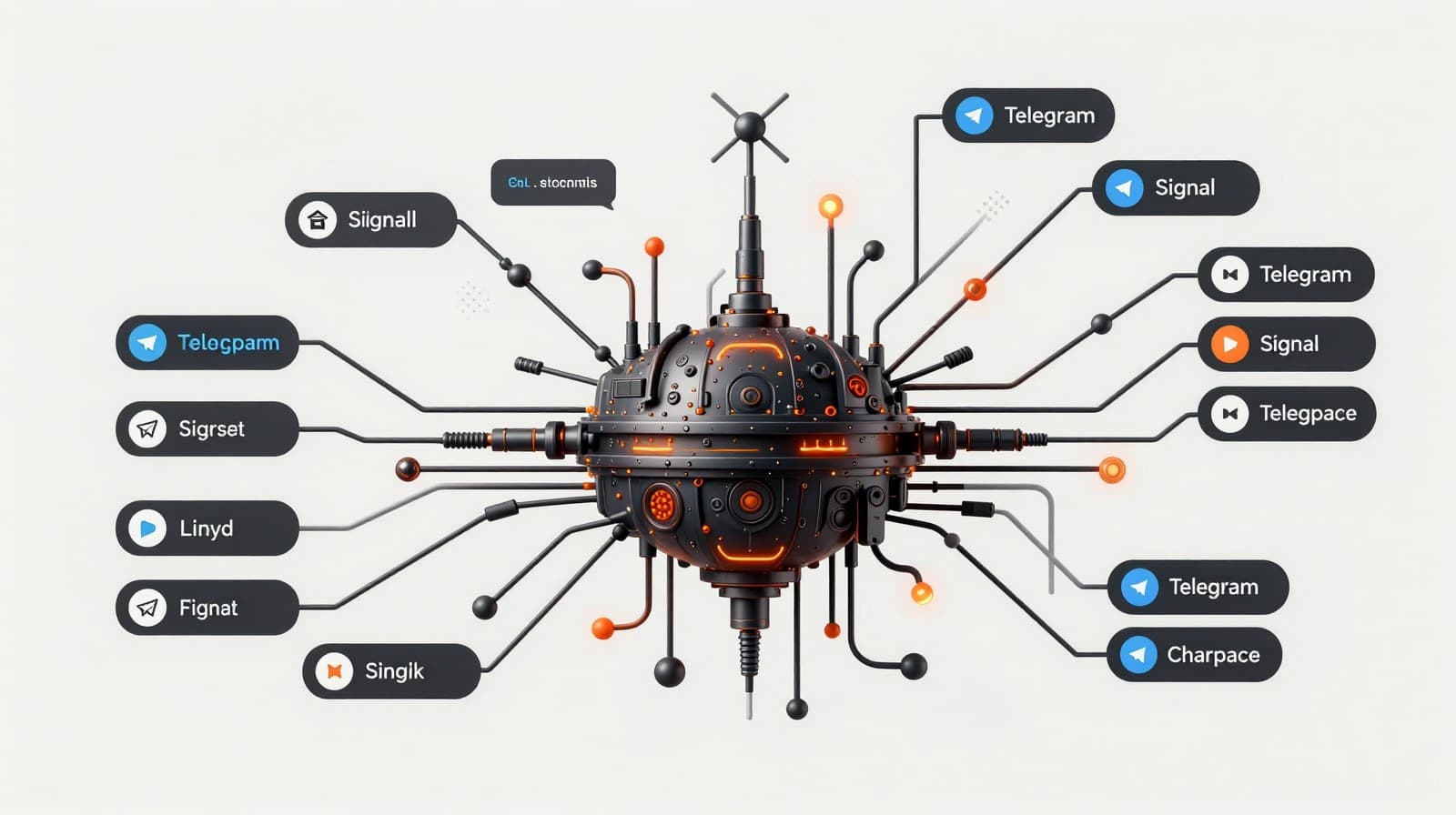
Get the relationship straight first: Gateway is not a channel#
Many beginners blur these two things together:
- "OpenClaw is up and running"
- "Telegram is connected"
But those are two different layers.
| Layer | What it is responsible for |
|---|---|
| Gateway | Receiving messages in the background, calling models, running tasks |
| Channel | Bringing messages in from a platform and sending replies back out |
So if you were already able to chat normally in the Dashboard in the previous chapter, that means:
- Gateway is probably fine
- Model auth is probably fine
What you are adding today is only one more conversation entry point.
That is also why Telegram appears in chapter 4, not earlier.
Why Telegram first#
It is not because Telegram is the strongest channel.
It is because it is the friendliest first channel for beginners.
The overall signal from the official docs is also clear:
- Fastest first chat: use the Dashboard first
- First external chat channel: Telegram is often the lowest-friction option
- WhatsApp is obviously popular, but it requires QR login and stores more local state
If all you want is a result that really works on your phone, Telegram is an excellent first stop.
A note from Xiahua
The reason to connect Telegram first is not that it is the coolest.
It is that it is less likely to drag you into the confusion of "am I configuring a channel, or repairing the system itself?"
Step 1: Create a bot with BotFather#
Open Telegram and search for @BotFather.
Be careful to confirm the username is really @BotFather. Do not pick the wrong account.
Then follow this flow:
- Send
/newbot - Give the bot a display name
- Give the bot a username that ends with
bot - Copy the
tokenit sends back
That token is the key that connects Telegram as an entry point to OpenClaw.
How to store the token#
Very simply:
Treat it like a password.
Whoever has it can control your Telegram bot.
If you think it leaked, reset it in BotFather. Do not keep forcing the old token to work.
Step 2: Connect Telegram to OpenClaw#
The safest path is not hand-editing JSON.
Run onboarding again:
openclaw onboard
When the wizard asks about chat channels, choose Telegram and paste the token you just got.
If you later want to study the config files, the official docs do include the minimum config snippet. But for a first run, the wizard is more reliable.
Step 3: Send the first real DM#
This is where people get stuck most often, and it is a very misleading kind of stuck.
You expect the flow to be:
- Find the bot
- Send a message
- It replies instantly
But that is not the default behavior.
The official docs are very clear:
Direct messages use pairing mode by default.
That means unknown DMs do not get a full reply first. They go through a pairing approval flow first.
One detail matters a lot#
If you only send /start in Telegram, it may not trigger the pairing flow you actually want.
The safest move is: send a normal text message first.
For example:
- "Hello"
- "Can you receive messages normally right now?"
- "Please call me Alex from now on."
Step 4: Approve the pairing code#
If pairing mode is on by default, the system will give you a short code when that first DM arrives.
At that point, this is what you do:
openclaw pairing list telegram
openclaw pairing approve telegram <code>
After approving it, go back to Telegram and send another normal message.
That is when you should see a real AI reply.
Step 5: Decide whether it is really connected#
Do not judge it only by whether the bot appears online.
The real success standard is:
- You can find the bot in Telegram
- After you send a normal DM, you receive a pairing code and approve it
- After that, it can understand and answer your messages normally
You can test with these three lines:
- "Do you remember what I did earlier in the Dashboard?"
- "Describe your current capability boundaries in three sentences."
- "If I contact you for the first time in the future, how should you handle it by default?"
If the bot is online but does not reply, it is usually one of these#
1. Pairing has not been approved yet#
This is the number one cause.
The bot is not broken. It is just following the security policy.
2. You only sent /start#
Many people assume /start is enough, but in the default flow a normal text message is usually more reliable.
3. You think it is a model problem, but it is actually a channel problem#
If the Dashboard works and Telegram does not, do not blame the model first.
Check the channel config and pairing flow first.
4. You want to move straight into group chats without understanding Telegram privacy mode#
Group chats are a later-stage topic.
For now, one fact is enough: group permissions, privacy mode, and admin permissions all affect how much the bot can see.
On your first run, do not raise the difficulty by jumping into groups yet.
5. You configured the token, but you are running on Bun#
The official docs give a clear warning here too: Telegram runs more smoothly on Node.
Xiahua's reminder
"Bot online" does not mean "channel configured."
The real test is never a status light. It is whether you can send a message, get a reply, send another message, and get another reply.
Today's Task#
Complete this minimum flow:
- Create a bot in BotFather
- Run
openclaw onboard - Choose Telegram and paste the token
- Send one normal text message in Telegram
- Approve pairing
- Send one more normal text message and confirm the reply
Today's Achievement#
After today, OpenClaw no longer lives only inside your browser.
It starts to appear in a chat tool you actually open in real life.
The psychological shift here is usually very obvious:
"Oh. It is really starting to feel like an assistant, not just a piece of local software."
Preview#
In the next chapter, we do the part that feels most like raising and training it:
Write your assistant's personality, boundaries, and long-term memory.
That is how it stops feeling like a generic AI and starts feeling like "your Xiahua."
Official References#
Keep going